We checked that the applicable route can serve a Dutch resident rather than assuming a global brand page covers every country. Trading 212 assigns Netherlands applicants to Trading 212 EU GmbH, and Interactive Brokers' Ireland account list includes Netherlands. Saxo's Dutch page identifies its branch. The client agreement shown during registration should be checked where a group has several entities.
DEGIRO: learn the order before using the ticket
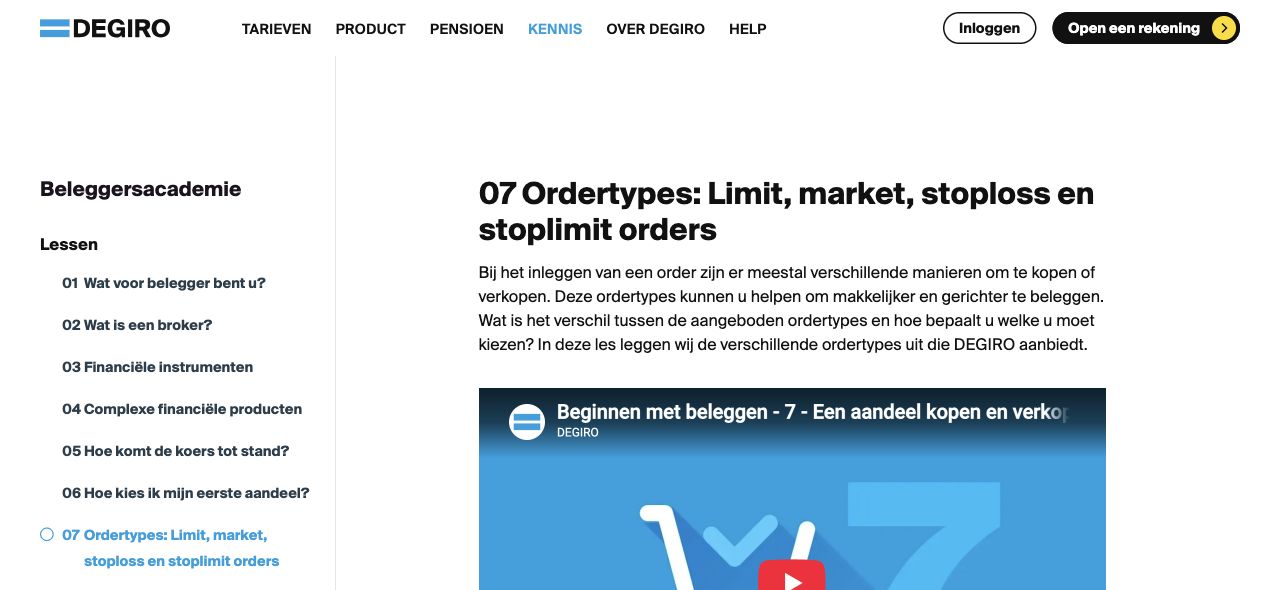
DEGIRO has a Dutch beginner lesson devoted to order types. That is useful because a person can learn why a limit might remain unfilled before choosing one on the platform. The order-type help also names which controls are available and restricts trailing stops to selected German venues. For an ordinary euro-traded ETF, the user should identify the exact exchange line and read the Dutch tariff for that route. The limitation is that the platform can show a delayed free quote while the order executes against the current market. A beginner must understand that distinction rather than treat the last screen price as a promise. Our DEGIRO review covers account costs.
Lightyear: distinguish a displayed quote from the execution price
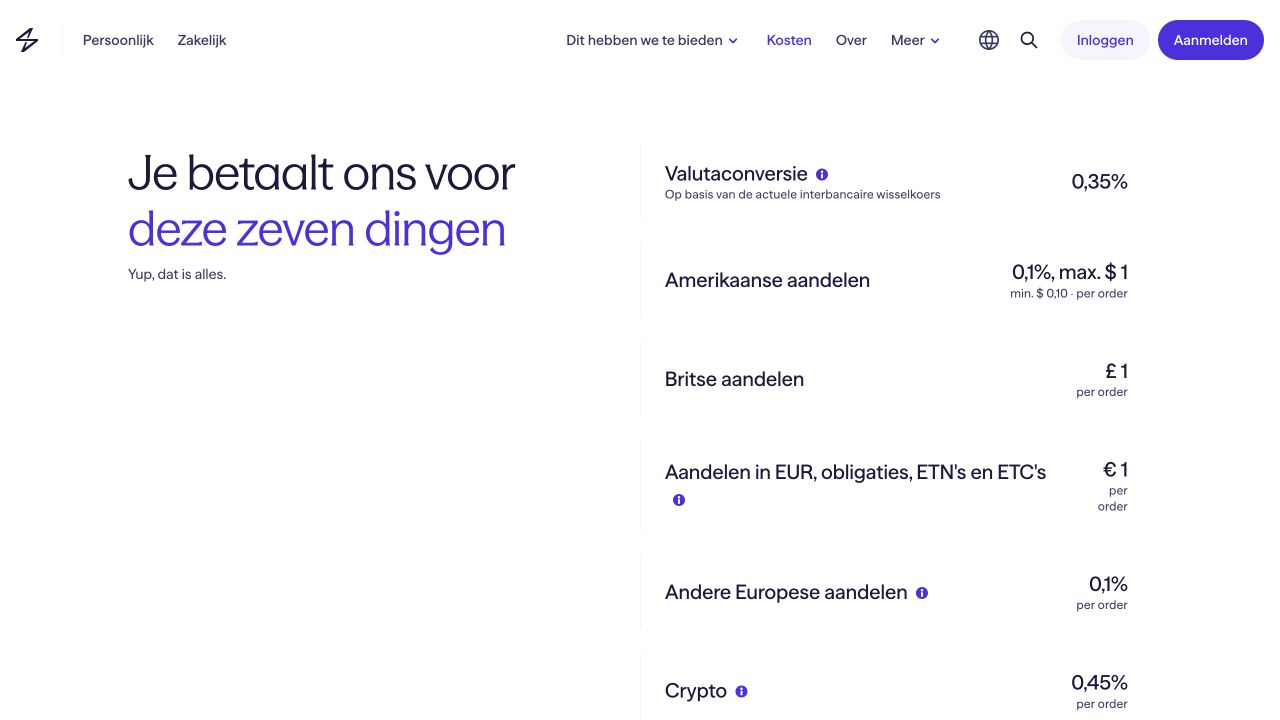
Lightyear's Dutch ETF page directs users to instrument details, the KID and issuer-cost document. Its market-versus-limit help explains the default market choice, where to change it and why the displayed price is an estimate. That combination can help a first-time buyer connect the product page to the order ticket. Its Dutch customer terms state that permitted order types depend on the instrument and that an order cannot always be cancelled once sent. A newcomer should check the actual ETF's trading line and order options, then read the fee categories. Zero ETF execution fee does not remove fund or currency costs. See our Lightyear review.
SaxoInvestor: practice navigation with a Dutch demo
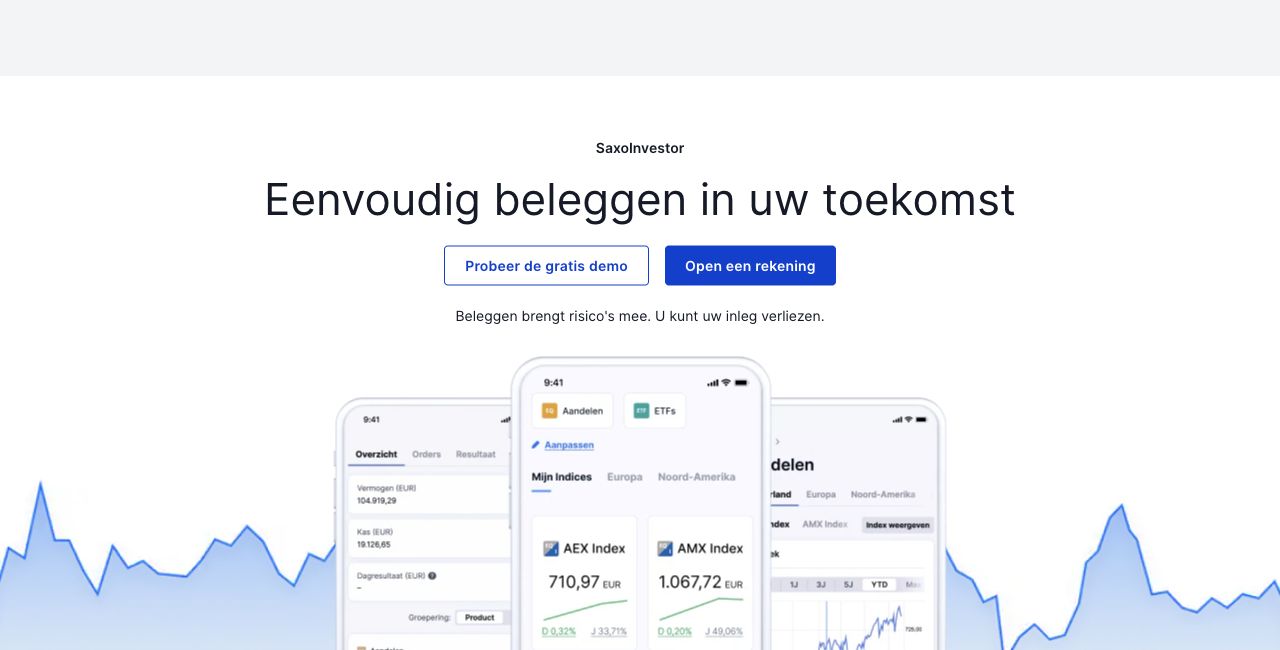
Saxo's Dutch demo page invites a user to explore how SaxoInvestor finds instruments and places orders. Its product page describes computer, smartphone and tablet access, portfolio history and a broad list of securities. A demo can fit a beginner who wants to locate search, portfolio and order controls before applying for an account. It does not establish that a live Dutch account has the same ETF, price, data subscription or execution result. Saxo's Dutch data page separates optional live feed levels. The learner should compare the live account's exact venue and tier tariff after onboarding. See our Saxo review.
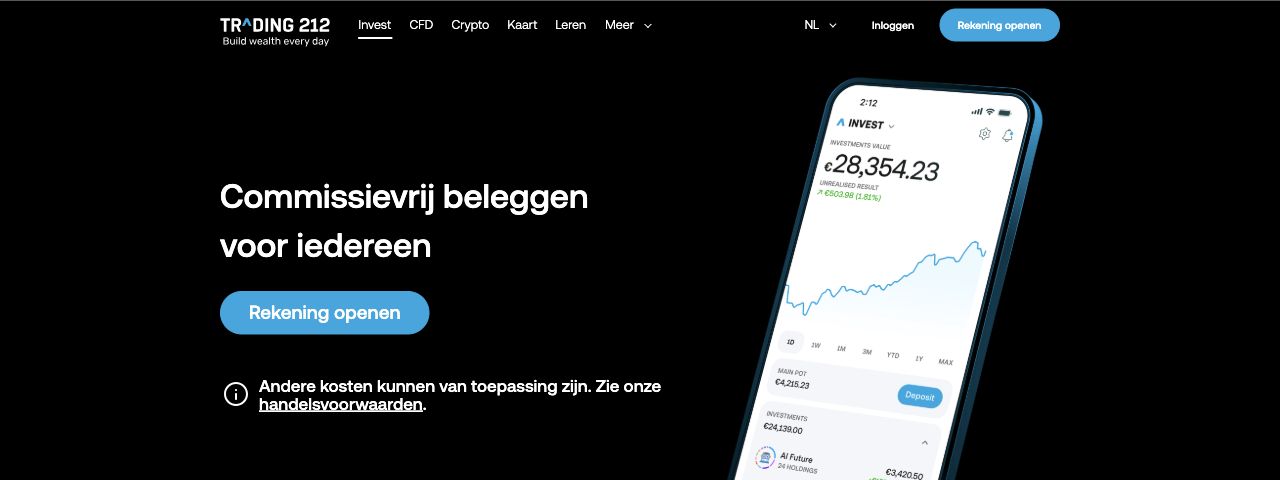
Trading 212's order help says the Cost information option appears just before finalizing an Invest order and breaks down estimated costs. Its documents help describes finding trade confirmations and activity statements. That is a clear pre- and post-order path for a first buyer. The obstacle is product switching: Invest is the real-share route, while the CFD account creates a derivative exposure. Check the account label in the ticket and whether a foreign-currency ETF invokes conversion. A preview is an estimate, not a guaranteed fill. The Trading 212 review discusses its entity and costs.
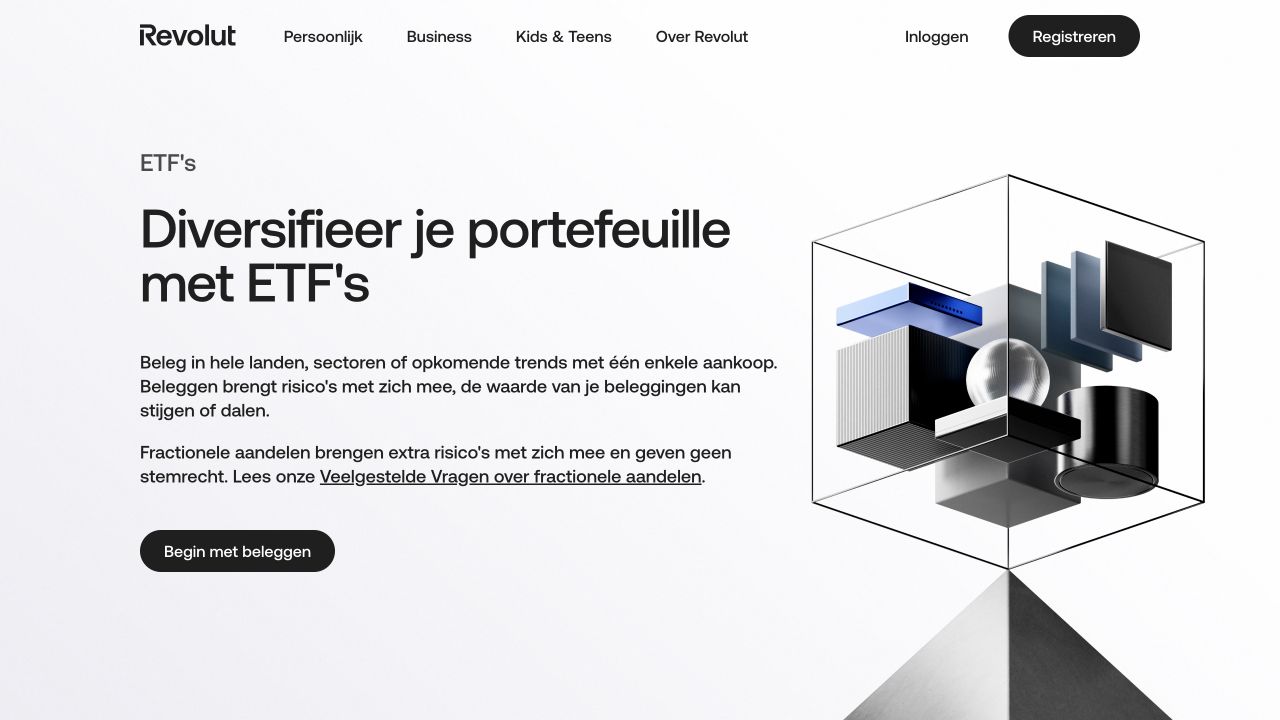
Revolut investing: explicit review and order-status steps
Revolut's Dutch order walkthrough tells a user to choose an instrument, tap Review, inspect details and later find pending orders or completed transactions. The selected-ETP plan help describes ISIN search and eligibility indicators. This may suit someone already familiar with the banking app, but the investing service is supplied by Revolut Securities Europe UAB, not simply by the everyday payment account. A newcomer must check whether the exact ETF is plan-eligible, whether a one-off order has different charges, and where investment statements are stored. The ETF broker comparison evaluates the account route.
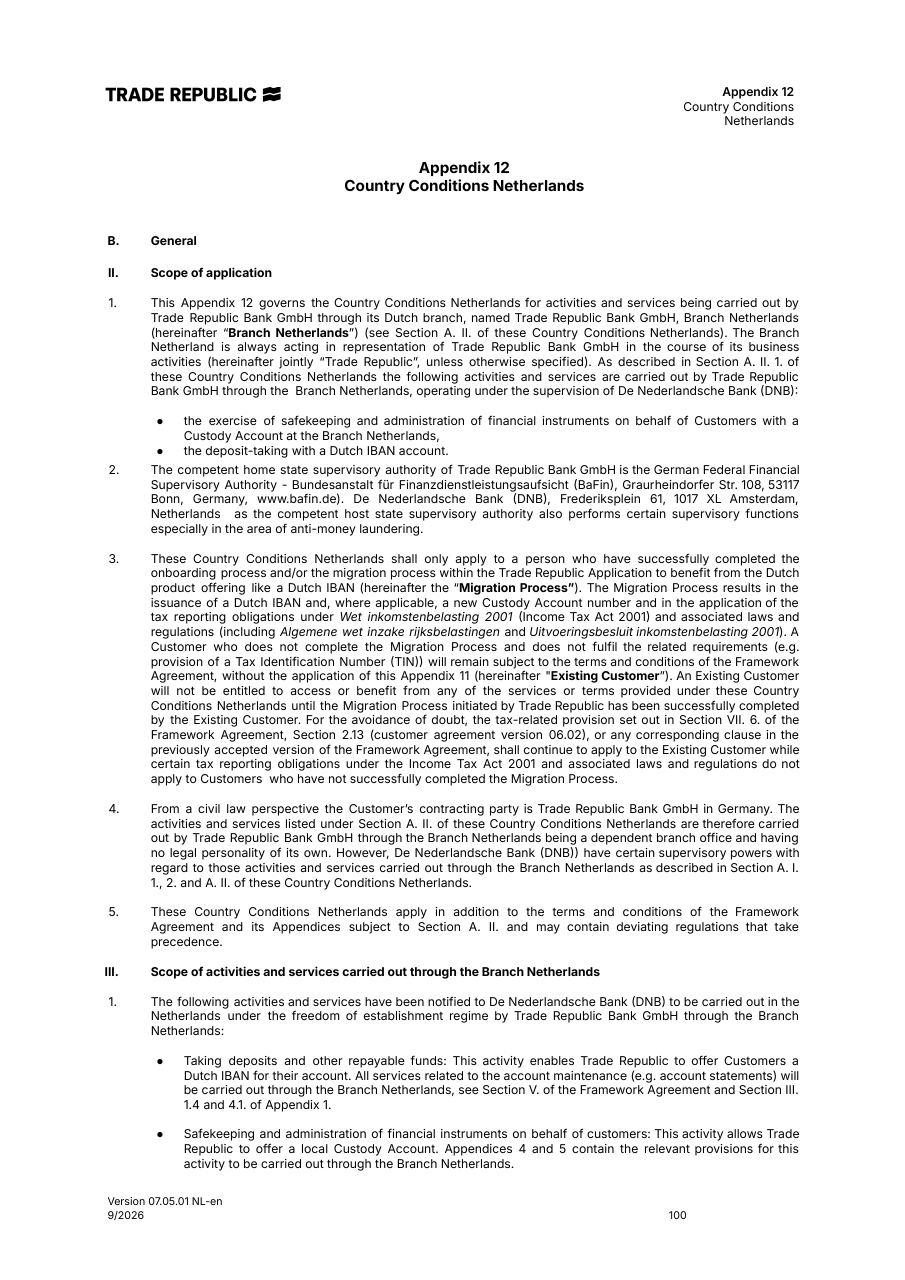
Trade Republic: understand the plan and one-off distinction
Trade Republic's Dutch order guidance and app/web access help show a relatively short order path. The Dutch pricing page distinguishes a recurring plan from a one-off order settlement charge. For a first order, that distinction is more educationally important than a minimal number of taps. A beginner should decide whether the goal is an immediate manual buy with price control or scheduled recurring execution, then read the correct cost route. The instrument's exchange and spread still matter. This can be a reasonable fit for a simple chosen ETF, but less so if the learner expects multiple venue choices or a detailed desktop dealing desk. The ETF broker comparison gives a broader cost context.
Scalable Capital: current account terms before old search results
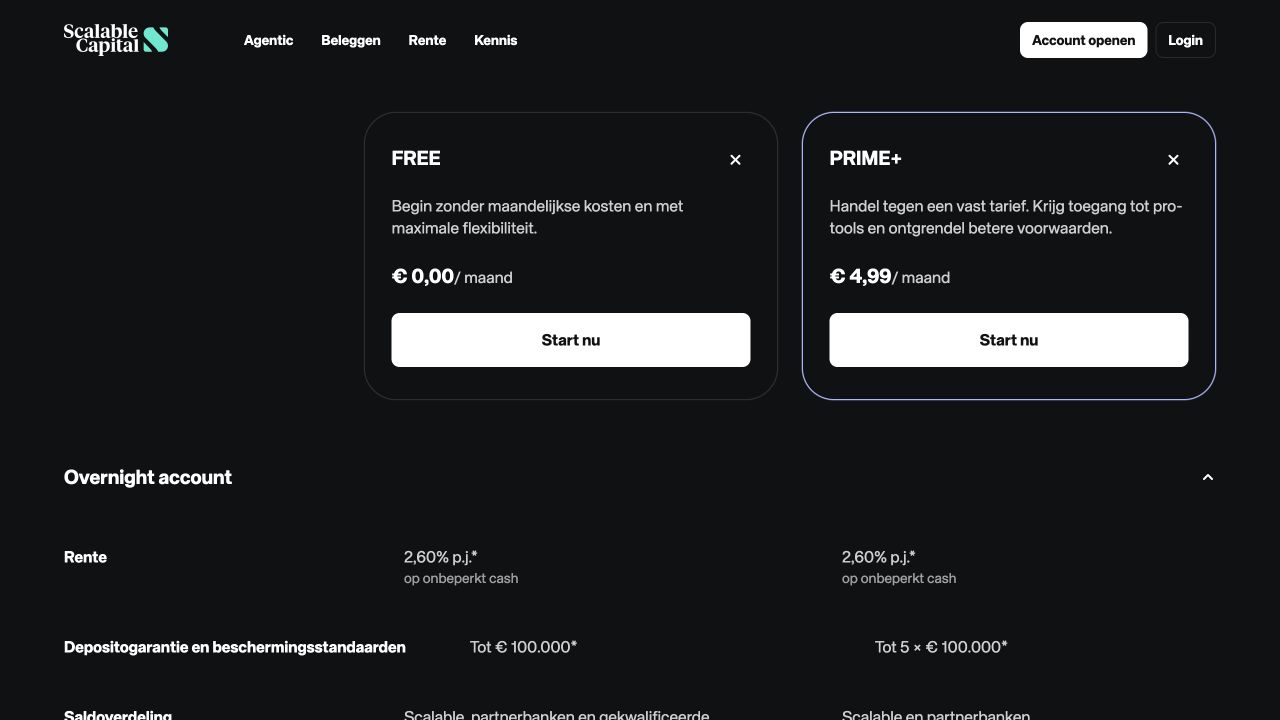
Scalable's Dutch accessibility document identifies app and web access, and its statement guidance tells users where documents appear in the Scalable Mailbox. That offers a documented route from account to record. A first-time buyer must still distinguish a savings plan from a manual order, read current Dutch costs, and check the actual account agreement. Older Baader-linked material can surface in searches even when the applicant's route is Scalable Capital Bank GmbH. The platform can suit a learner comfortable verifying those terms, but a simple account screen is not enough to resolve them. The ETF comparison explores recurring orders.
BUX: a selected plan can simplify the choice, but limits it
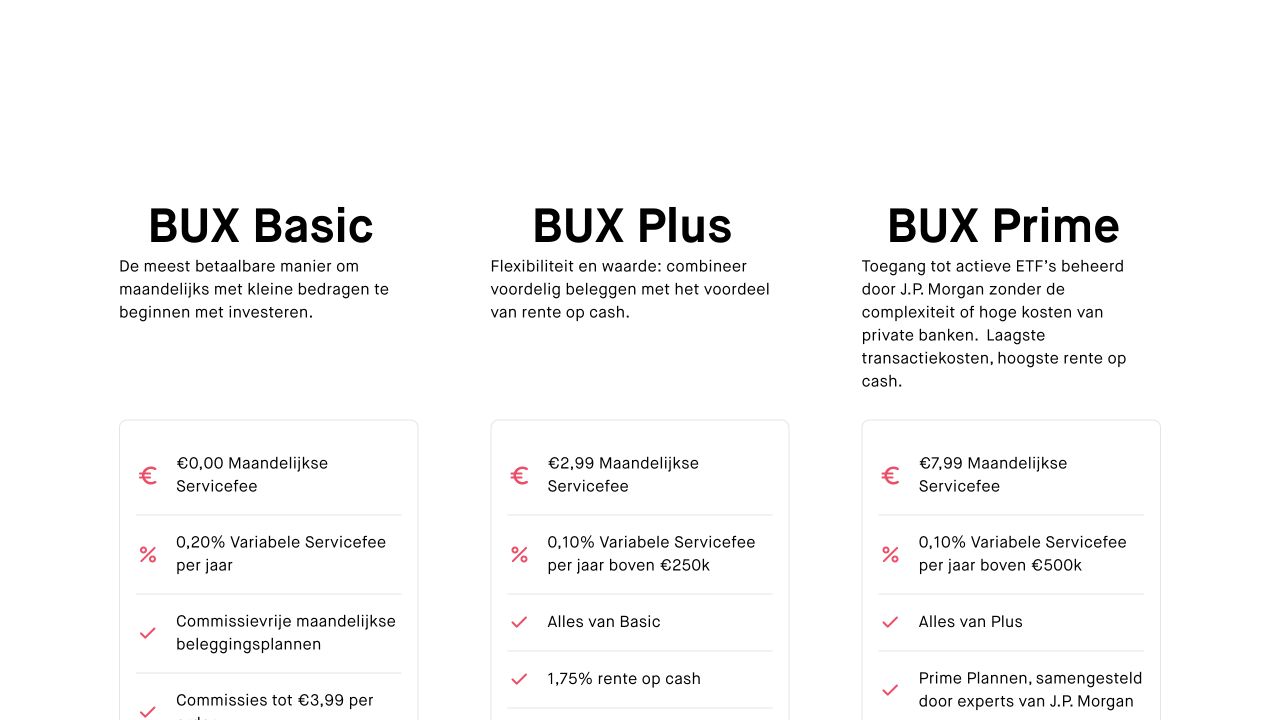
The Dutch BUX plan page explains how users can set an app-based recurring purchase for selected shares and ETFs. Reducing choices can help when a learner has already identified an eligible fund. It can frustrate someone whose required ISIN is missing. The Dutch pricing page separates plan and manual order charges and describes Basic, Plus and Prime service conditions. Before relying on a plan banner, verify the exact security and whether the buy creates fractional or whole units. A planned market order is also different from choosing a limit for one purchase. BUX fits a disciplined recurring task better than a learner who wants to compare several exchanges and advanced order instructions. See the starting guide for deciding the task first.
The current Dutch pricing page also lists a 0.20% annual variable service fee on Basic, a €2.99 monthly service fee on Plus and a €7.99 monthly service fee on Prime, with additional tier conditions. Those service charges need to be included when modelling an annual holding and order pattern.
Interactive Brokers: breadth after learning the order controls
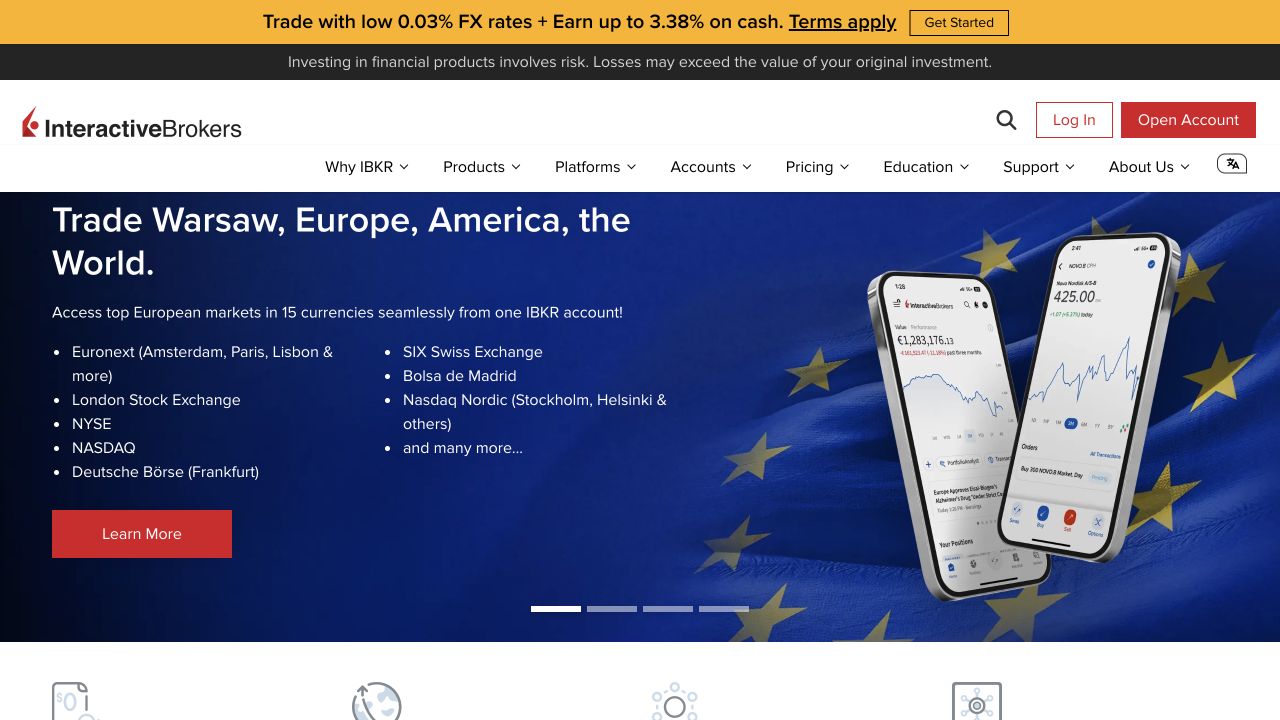
Interactive Brokers Ireland's GlobalTrader features and mobile discovery information show an accessible path into a broad market catalogue. Its Ireland applicant list includes the Netherlands. That breadth is valuable for a user whose future investments span markets, but it brings more checks to a first order: product permissions, exchange, currency, order type and possibly a separate live-data entitlement. A search hit alone is not proof the Dutch retail account can trade it. This route can fit a beginner willing to learn those fields deliberately. It is less suited to someone seeking the fewest decisions before one ETF purchase. See our Interactive Brokers review.
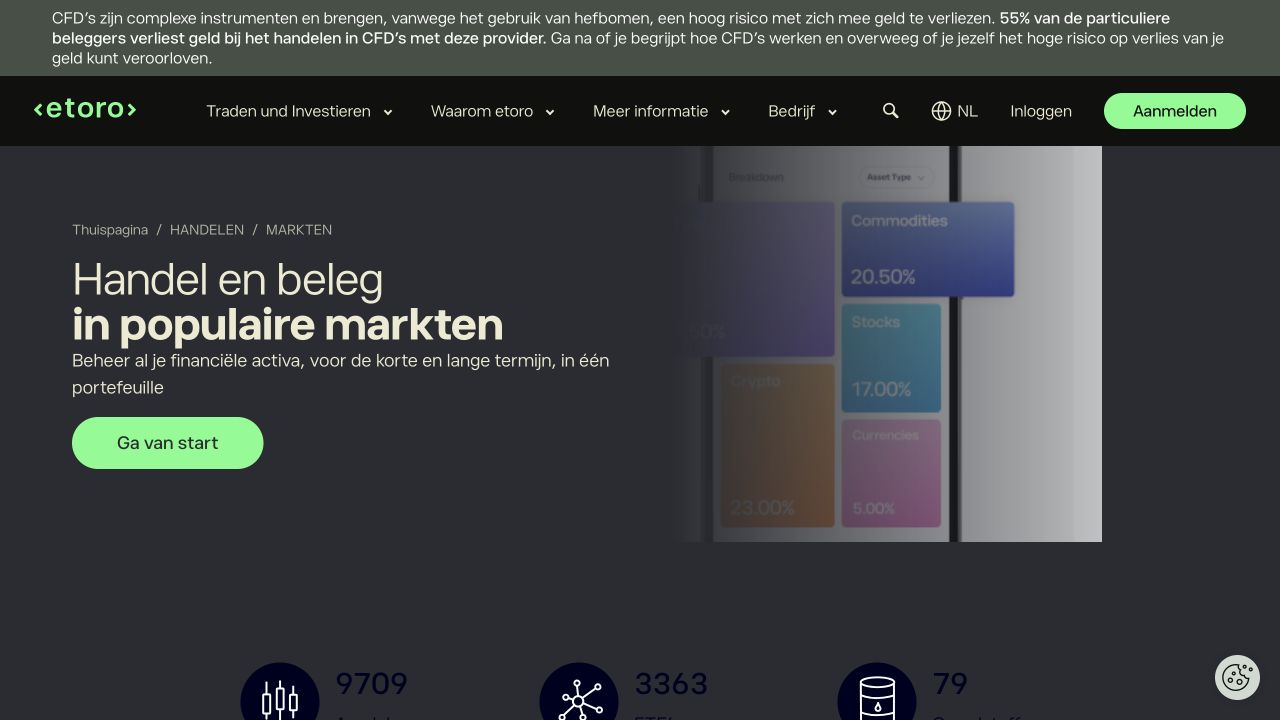
eToro's Dutch discovery page lets a user browse ETF categories, while its Dutch fee and product page explains that some ETF buys, and leveraged or short positions, execute as CFDs and are marked before the trade. For a beginner whose chosen task is to own ETF units, this extra classification step is decisive. The provider's Dutch app update also says a new interface is rolling out gradually, so a screenshot or tutorial may not match every account at once. EToro can fit a reader who understands and intentionally selects the product shown. It is a weaker fit for a first real-ETF order if the user equates every green Buy control with ownership. See our eToro review.
A first ETF order: price and full-cost worksheet
Consider a Netherlands resident with €1,000 who has already selected a euro-traded UCITS ETF by its ISIN. Before comparing platforms, they should confirm the issuer's fund document, share class, distributing or accumulating status, trading line and currency. Then note whether the platform shows a real ETF purchase or a derivative. If the intended fund is unavailable on one route, that route has failed the task however attractive its costs look.
On each eligible platform, write down five fields before confirmation: quantity and possible cash debit. Order type and price limit. Exchange and quote timestamp. Estimated broker and exchange charges. Product and account charges outside the ticket. A €1,000 buy with a €1 explicit commission is not automatically a €1 total cost. The market spread affects the execution price, the ETF issuer deducts ongoing costs within the fund, a foreign-currency line can add FX, and a provider may charge account service or an optional live data subscription. The AFM's cost categories support this full-cost approach. We do not invent a single cheapest platform because the actual fund, exchange, account plan and price at execution are required inputs.
Then stop just short of submitting the order. Read the confirmation or demo preview, and locate where a pending order would be listed. If the order is sent, a market order can fill before cancellation is possible. Lightyear's Dutch order FAQ explains that a cancellation request is not guaranteed. A limit order may remain open and tie up cash rather than fail. Practice identifying those states in official help or a demo without assuming a demo's fill or price represents live trading. Our buying-shares guide explains the same order concepts for listed stocks.
Learning, demo and correction paths
A good first-order platform gives a learner a way to pause, inspect and correct. A provider lesson can explain market and limit before the ticket. A demo can let a reader find the buttons. A pre-order cost pane can expose the charges. An order list can confirm whether anything happened. These are different aids. DEGIRO documents an order-type lesson, Saxo offers a Dutch demo, Trading 212 documents a cost pane before finalizing, and Revolut documents pending and completed order locations. These public aids do not establish comparative execution quality.
If a first order seems wrong, do not assume there is always an Undo button. Check whether it is still pending, whether a cancellation control is available and whether the provider says cancellation can be guaranteed at that state. If it has filled, reversing exposure requires a new trade with its own spread and costs. Preserve the order confirmation and contact the account provider through its published support route if the status is unclear. Before opening the account, also check the legal entity against the AFM investment-firm register and the final agreement. The broker-safety guide explains that process.
Frequently asked questions
Is a market order or a limit order easier for a first purchase?
A market order needs fewer price choices but leaves the final execution price uncertain. A limit lets the buyer set the maximum per unit but can remain unfilled. Ease of entry is therefore different from understanding the result. Learn both using the provider's explanation, then choose based on the chosen security's liquidity and your own price decision. The last displayed quote is not a guaranteed fill.
Can a beginner know the total cost from the order preview?
The preview is a useful check for estimated cash debit and explicit charges, particularly when a provider shows a breakdown. It may not express future fund ongoing costs, the exact market spread at execution, optional subscriptions or charges on another account route. Read the issuer document and the provider tariff as well as the ticket. A euro-traded security avoids a currency conversion for that trade but does not make every other cost zero.
No. A demo can teach navigation and order vocabulary. It cannot verify your live account's permissions, exact ETF availability, current quote, settlement or execution. Compare the live customer agreement, instrument page, order ticket and tariff before sending a real instruction.
How do I avoid buying a CFD when I meant an ETF holding?
Check the account type and product label on the instrument page and final order ticket. Trading 212 Invest and Trading 212 CFD are distinct routes. EToro says some ETF purchases become CFDs and marks a CFD trade before execution. If the platform cannot make the classification clear for the intended order, use a route where it can. The CFD comparison treats derivative contracts separately.


 Lightyear app/web
 SaxoInvestor
 Trading 212 Invest
 IBKR GlobalTrader/Client Portal
 eToro app/web