The connected company matters because the same group can show different products and conditions by region. The Trading 212 country list places Netherlands under Trading 212 EU GmbH, while XTB's EU guidance sends new EU applicants to XTB Limited Cyprus. Interactive Brokers' Ireland country list includes Netherlands. At signup, the displayed customer agreement and enabled symbols are stronger evidence than a generic group logo.
Where each workflow fits
Trader Workstation: detailed multi-market order control
Interactive Brokers' Ireland Trader Workstation page describes Mosaic and Classic layouts, linked charts and watchlists, and conditional and algorithmic order tools. Its download page offers desktop versions for Mac, Windows and Linux. TWS fits an experienced resident who needs precise order conditions or several market windows at once. It is a weaker first interface for someone placing one occasional ETF order and unwilling to learn the meaning of venue, routing and order duration. A displayed exchange quote may need a separate entitlement: Interactive Brokers' market-data setup says the account lists available feeds with a per-month charge. The platform's existence does not make every feed or product permission free. See our Interactive Brokers review for account costs and entity details.
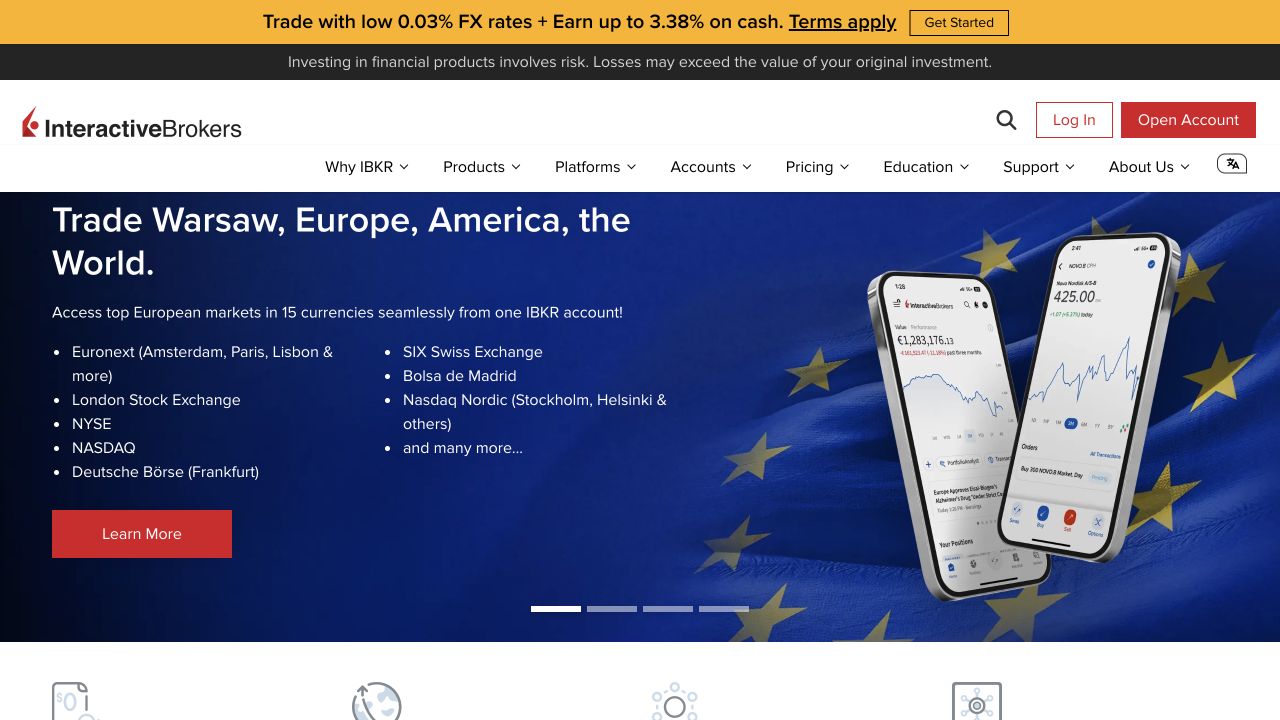
SaxoTrader: web and desktop around the Dutch product set
Saxo's Dutch SaxoTrader page presents browser and desktop versions and lists market, limit, stop and algorithmic orders, charts, screeners and portfolio reporting. Its desktop workspace can use several screens, whereas some depth and time-and-sales functions depend on subscriptions. The Dutch market-data page separates Level 1 best bid/ask from Level 2 order-book depth and says current prices are shown in the platform when a subscription is activated. SaxoTrader fits an active reader who wants shares, options, futures or forex in the same Dutch-account workspace and can select only the data feed needed. It fits less well if a user assumes the global Saxo CFD catalogue is available through the Dutch branch. The current Dutch tradable-products list does not list CFDs. See our Saxo review for the wider account.
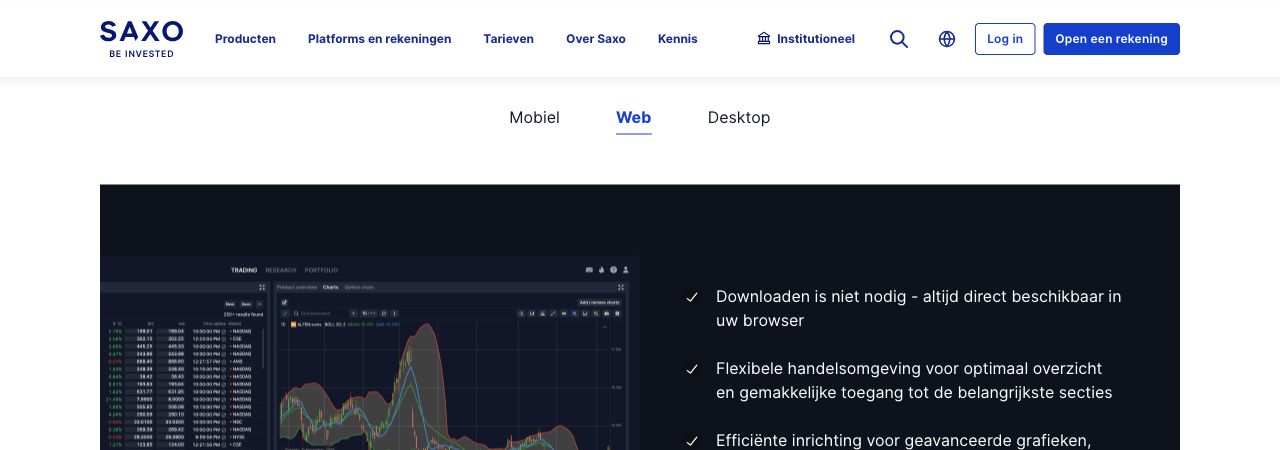
DEGIRO's Dutch help lists market, limit, stop-loss and stop-limit orders, with trailing stop constrained to Xetra and Börse Frankfurt. This fits someone buying listed shares or ETFs who wants to see the selected exchange and order price rather than a large charting workspace. It is weaker for complex multi-window analysis or algorithmic instructions. The DEGIRO price-data help says free displayed prices can be delayed by 15 minutes while order execution itself is real time. That makes a limit price a user decision based on the actual market and another current quote source, rather than a guarantee that the screen's last price is current. The Dutch tariff lists exchange data and transaction-related categories. See our DEGIRO review for custody and fees.
xStation: web layout for the Cyprus XTB product route
The XTB Cyprus platform FAQ identifies the web and iOS/Android xStation route, charts, portfolio management, market data and customizable layout. It also says MT4 and MT5 are not currently supported on that Cyprus route. XStation can fit a resident who wants the documented XTB Limited CFD catalogue in one browser workspace and uses price alerts with order monitoring. For a real-share purchase, the older Cyprus help answer and the newer instrument documents conflict. Check whether the intended security is enabled in the newly offered account. For a CFD, inspect the contract, spread and swap before deciding whether the platform fits the holding period. Our XTB review covers the account distinction.
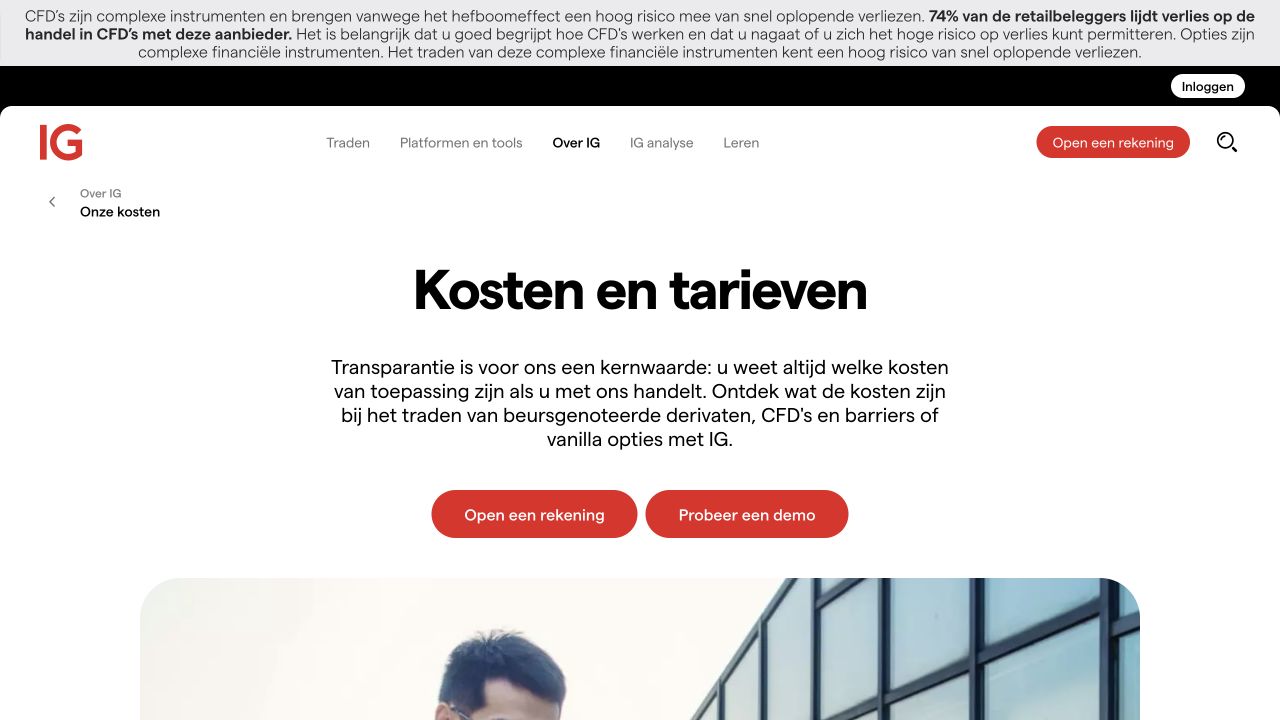
IG's Dutch platform comparison separates its online platform, mobile app and specialist choices such as ProRealTime and L2 Dealer. The online route can suit a trader comparing several CFD market screens and alerts without committing to a separate charting subscription. It is less suitable to assume every professional-style tool is included in the browser account. The Dutch extra-services FAQ says live exchange prices and ProRealTime can have monthly charges. The latter fee may be refunded subject to trading activity and conditions. DMA access and live DMA exchange prices are separate. It also notes that some Forex Direct services are for professional clients, so a retail account should not be promised the whole L2 Dealer feature set. The core account is with IG Europe GmbH under the Dutch CFD page.
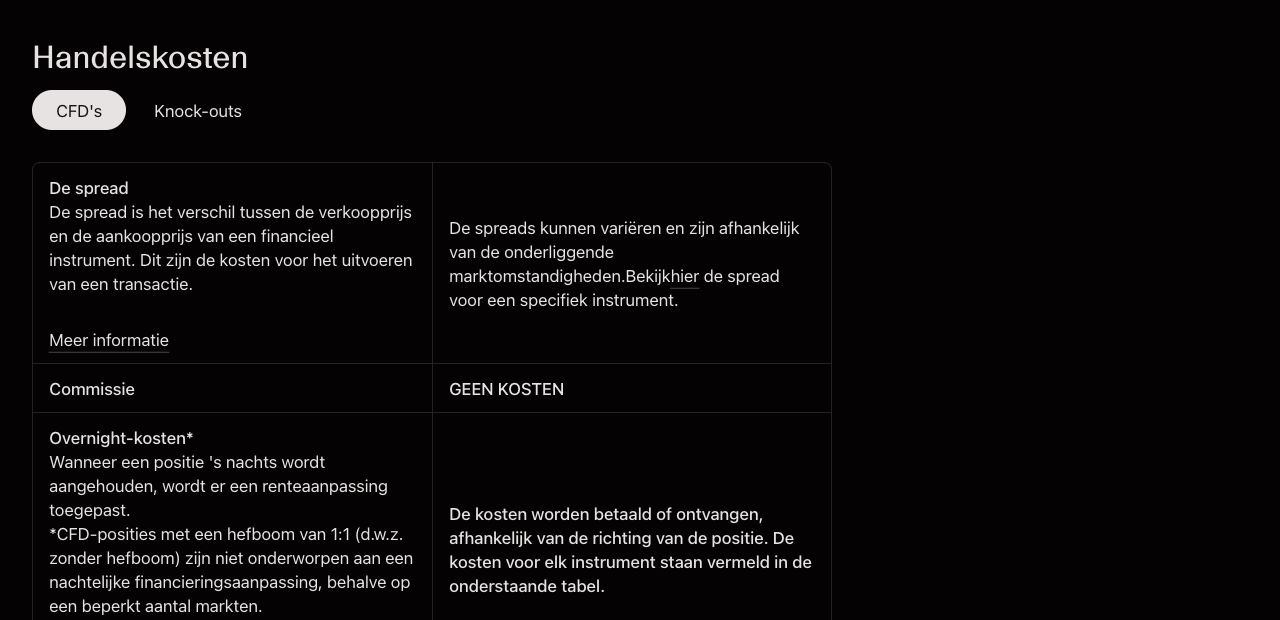
Capital.com's Dutch web-platform page presents integrated charts, watchlists, price alerts and a pre-order cost overview. Its Dutch service identifies Capital Com SV Investments Ltd. The workflow can fit a trader who wants to move from a chart to a CFD order without installing desktop software. It is less suitable for a person seeking an exchange order for ownership of a share: the Dutch CFD page defines a derivative, and the pricing page distinguishes spread and overnight components. A chart-level stop control does not prove an exact execution price. See our Capital.com review for the account and instrument details.
OANDA through TradingView: a broker-connected third-party front end
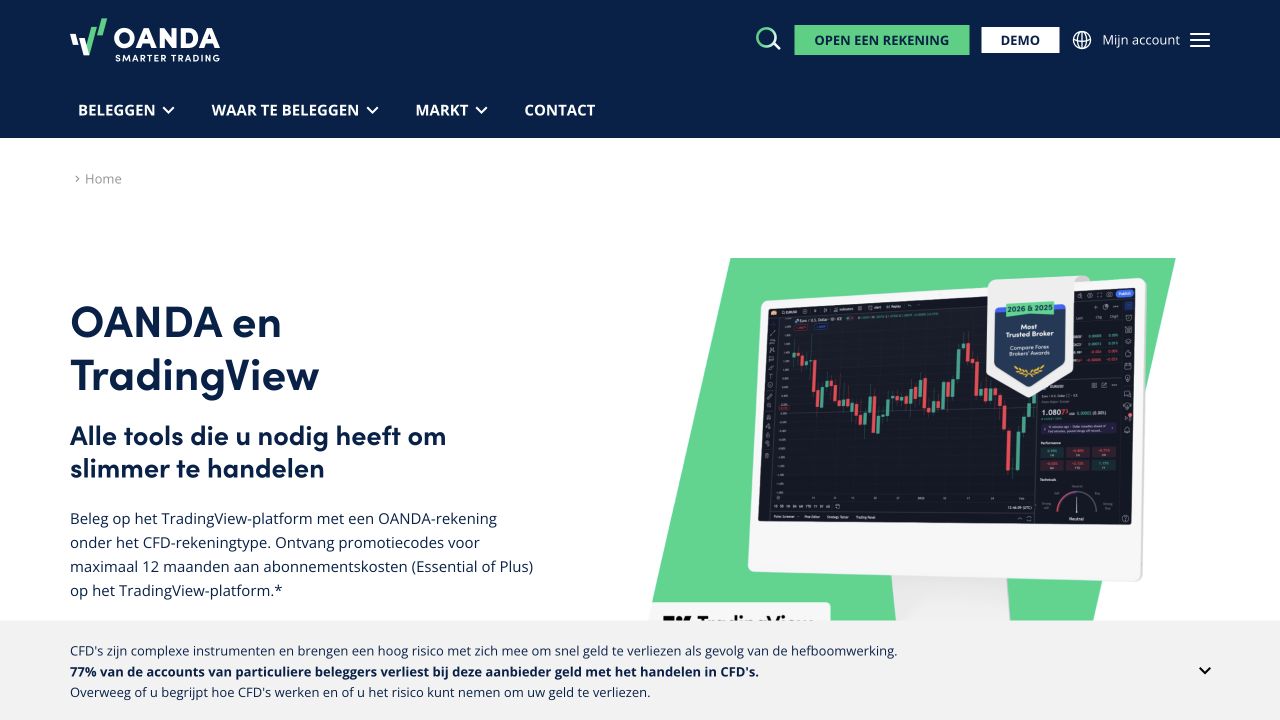
OANDA's Dutch connection guide says a client of OANDA TMS Brokers S.A. in the EU can link a CFD account to TradingView and place supported orders from charts. The integration itself is free for OANDA clients, while optional TradingView subscription features have separate terms and prices. This can fit a chart-led trader who already uses TradingView and prefers its drawing and layout tools. It is less suitable if the reader assumes that every symbol visible on a TradingView chart becomes tradable with OANDA: the guide identifies OANDA-enabled symbols and the broker remains the account provider. Funding and withdrawals also remain with OANDA, not TradingView. Our OANDA review explains the service behind that interface.
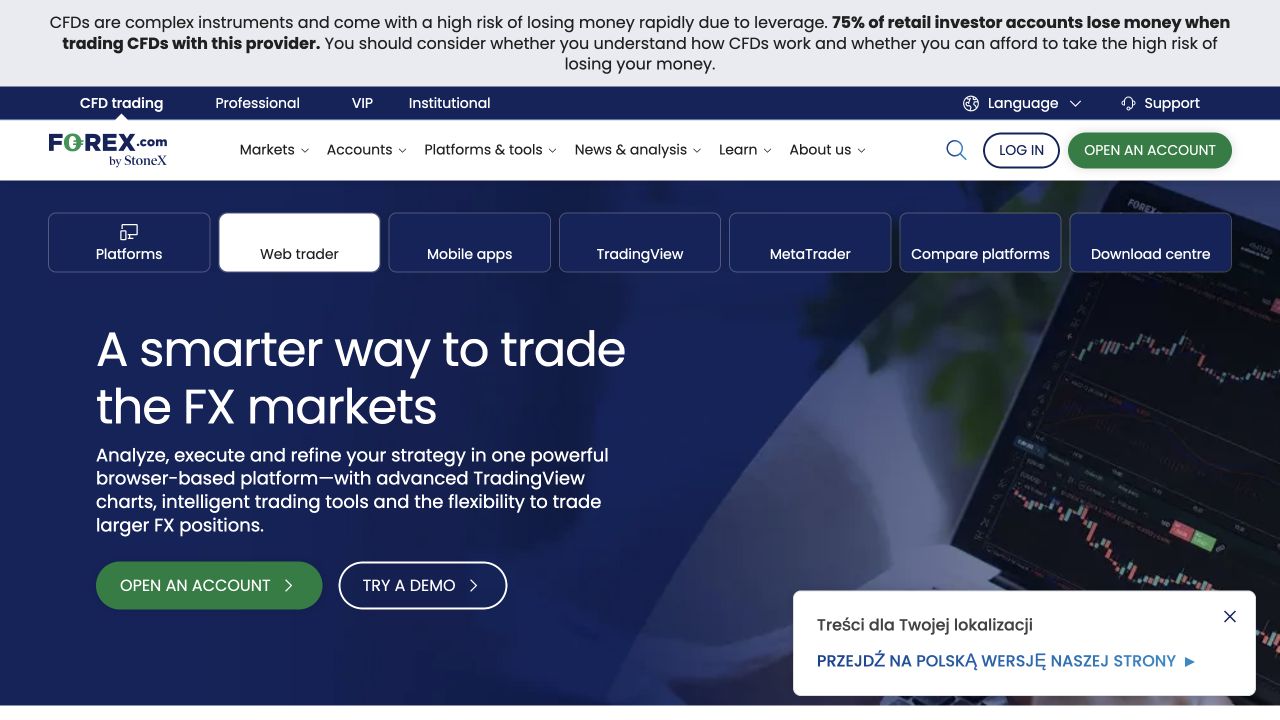
The FOREX.com Europe Web Trader page describes a browser workspace with charts, watchlists and order handling for its European account. Its terms name StoneX Europe Ltd and explicitly include Netherlands in the passported service area. The AFM register confirms the incoming entity and trade name. The interface can fit someone who wants forex and related CFD markets from a web trading desk. It is a weaker choice if the intended task is a real Euronext share purchase, because the European site describes its shares as CFDs. Do not rely on a FOREX.com page from a US or Cayman entity for the European platform's exact market permissions or fees. The forex comparison explores pair-specific execution.
Trading 212 web: two account products in one browser family
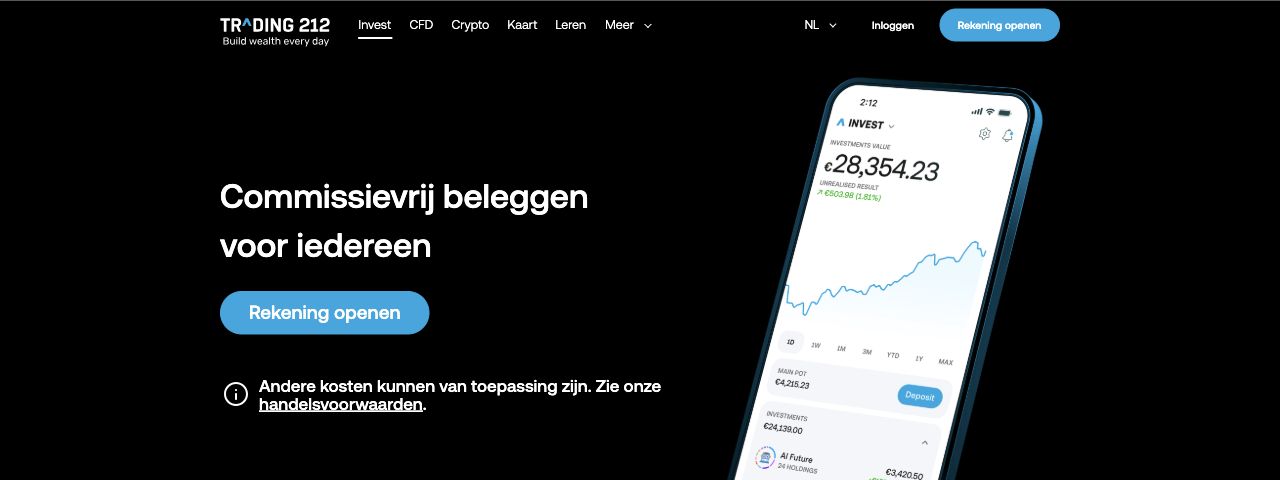
Trading 212's country assignment places a new Netherlands account with Trading 212 EU GmbH. Its company web-app release thread records that the redesigned web app became the default, with saved chart layouts and order/alert controls. This can fit a resident who wants an Invest security workflow and a separate CFD workspace under one provider login. It is weaker for a trader requiring desktop-only specialist order routing or assuming that an instrument with the same ticker has the same ownership in both accounts. The official account-type guide separates real securities in Invest from derivatives in CFD. Confirm currently enabled web functions and symbol-specific order instructions in the account before relying on a historical release note. See our Trading 212 review.
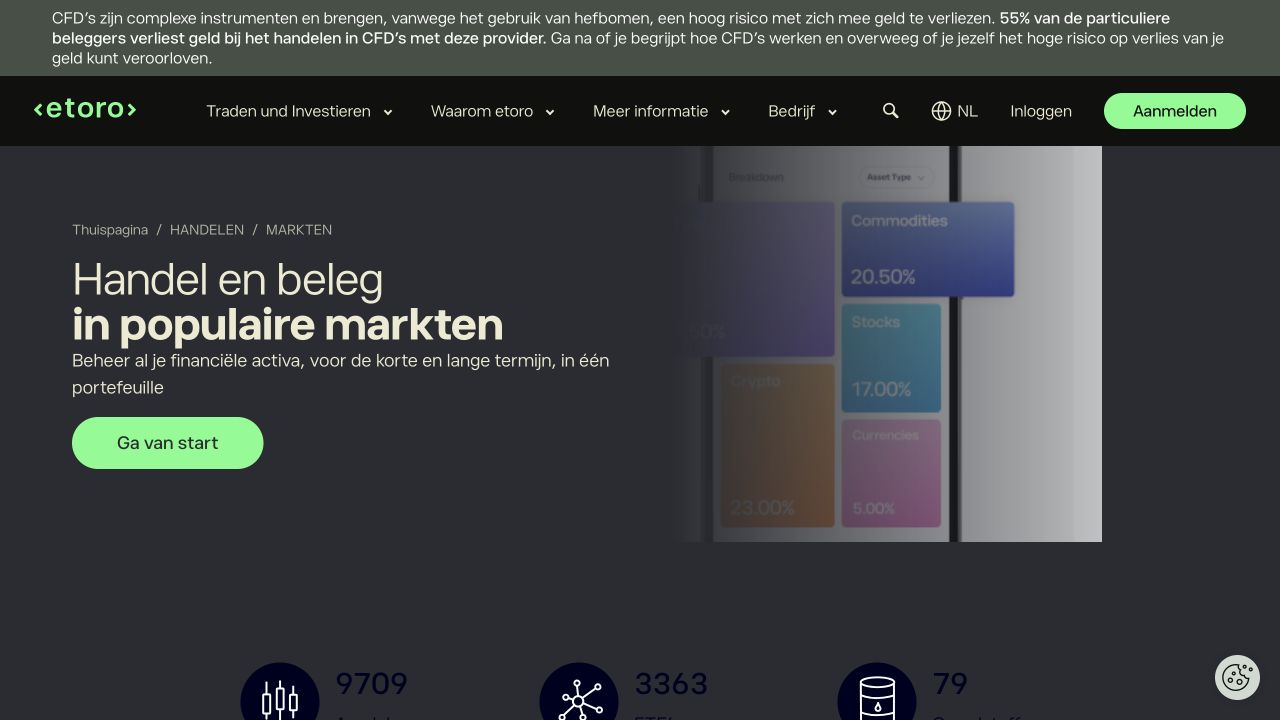
eToro web: portfolio, watchlists and chart comparison
eToro's Dutch platform page presents ProCharts, watchlists and cross-device account access, and its Dutch entity page identifies eToro (Europe) Ltd. This can fit someone who values a single browser view for their holdings and short-term positions. It is less suitable if the user relies on an instrument name alone to distinguish an unleveraged share purchase from a share CFD. The product explanation says some leveraged, short and copy-trading share routes are CFDs. The fee page also varies by instrument. Before placing a limit order, inspect the order summary for classification and price conditions. See our eToro review.
Data, order and connection costs
Suppose an investor has €1,000 to buy a euro-priced, Euronext Amsterdam-listed share through a web platform. The investor identifies the exact security and trading line, sees a displayed price of €10 per share and prepares a limit buy of 100 shares at €10. That is a hypothetical screen exercise, not a current market quotation or a fee comparison. The maximum price of a fully filled buy under that limit is €1,000 before broker/venue charges. A limit order can remain unfilled or fill in part. If fees must be paid from the same €1,000 cash balance, the account may reject a 100-share order or require a smaller quantity. A stock CFD with the same ticker is not a substitute because it changes ownership, financing and margin.
The worksheet has four separate cost lines. Execution: the broker's commission, venue/third-party charge and any account tier condition for the actual Euronext line. Currency: zero broker conversion only if both cash and settlement are in euros under the account's cash rules. A dollar line or account may add FX. Information: a delayed quote may cost nothing, but a live exchange feed or Level 2 book can have a recurring charge. Holding/account: custody/service or subscription charges depend on the account. A real cash share normally does not carry CFD overnight financing, while a CFD version may. The AFM's investment-cost explanation distinguishes transaction, ongoing and product costs. A single “free platform” label settles none of these lines.
Market data deserves its own test. DEGIRO says its free price view can lag by 15 minutes while order execution remains real time. Saxo's Dutch subscriptions separate Level 1 streaming bid/ask from Level 2 depth. Interactive Brokers' market-data setup displays fees for selected feeds. These are different information packages, not a universal premium requirement: check whether the particular Euronext venue and account already include enough current data for the intended order. A delayed chart must not be mistaken for a delayed order, and live data alone does not make the order's execution price guaranteed.
Optional software can create a second bill. IG's Dutch extra-service schedule lists €30 monthly for ProRealTime charts, with a refund condition linked to activity. That is not a fee for merely opening the core IG web platform. OANDA says its TradingView account connection is free, while TradingView's optional paid tiers can add features. A screen that looks similar can therefore have different data, order and account charges at different providers. Compare the whole intended workflow, then subscribe only to the feed or tool actually needed.
| Worksheet question | Evidence on the intended route | Consequence if missed |
|---|
| Is this the real share/ETF or a CFD? | Account type and instrument details | Ownership, margin and overnight treatment can change. |
|---|
| Is the quote live for this exchange? | Data entitlement and timestamp | A limit can be set using stale visual information. |
|---|
| Which order types work here? | Instrument-specific ticket and venue | A feature shown in marketing may be unavailable. |
|---|
| What does this month cost? | Broker tariff, data feed and optional tool subscription | A low dealing fee can coexist with a monthly bill. |
|---|
| What record can be exported? | Order, cash and tax reports | Reconstructing activity later may require extra work. |
|---|
Choose by instrument and workflow
If the task is frequent multi-asset exchange trading with advanced conditions, start with TWS and SaxoTrader and inspect the exact market permissions, data subscriptions and learning cost. If it is a listed-share or ETF purchase with a straightforward limit order, DEGIRO's order screen and Trading 212 Invest can be relevant, but their market-data and account rules differ. If the task is a chart-led CFD position, compare xStation, IG, Capital.com, FOREX.com and OANDA's TradingView link using the same derivative contract and holding period. EToro provides a broader account view, but the order summary must establish whether a share line is a real holding or CFD.
Do one dry-run without submitting a trade in the platform or demo environment if available: search an instrument by its identifier, write down the account entity and product type, locate the correct venue, find the bid/ask and data timestamp, choose a limit price, inspect the estimated total costs and find where a pending order would appear. This is a suggested reader workflow, not a claim that our editorial team performed it. A platform that hides a needed field for your actual task may be unsuitable even if it has more charts or indicators. The stock-buying guide explains limit orders, and the broker-safety guide explains entity checks.
Frequently asked questions
The table names the linked account route. Some platforms are proprietary: TWS connects to Interactive Brokers, SaxoTrader to Saxo, xStation to XTB, and FOREX.com Web Trader to StoneX Europe. TradingView is third-party software. The OANDA TMS connection lets an eligible EU CFD account place supported orders from TradingView charts while OANDA remains the account provider. The exact company on the application agreement governs the customer relationship.
Not necessarily. A provider can offer browser access without charge while the exchange feed or Level 2 depth has its own subscription. DEGIRO distinguishes delayed free display from real-time execution. Saxo and Interactive Brokers publish separate data-subscription paths. Inspect the data status for the specific exchange and account. An index or forex CFD quote is also not automatically the same as an exchange share feed.
Which order and data functions cost extra?
It depends on the route and instrument. Live share-exchange data, Level 2 depth and specialist chart packages can be charged separately. IG's ProRealTime is one documented example. Order commission, venue charges and any account service also belong in the comparison. A market order and a limit order can have the same explicit broker commission yet different execution-price uncertainty. Check the order ticket and the relevant tariff rather than assuming a feature shown on a platform page is included for every account.
No. Capital.com and several other rows are primarily derivative workflows. XTB's public Cyprus materials conflict on real-share access for a new Dutch account, and FOREX.com Europe's shares are described as CFDs. SaxoTrader, DEGIRO, TWS and Trading 212 Invest have documented listed-security paths, subject to instrument eligibility. If ownership is the goal, use the stock-broker comparison and inspect the exact account and security, not only the platform screenshot.


 Interactive Brokers Trader Workstation
 SaxoTrader web/desktop
 XTB xStation
 Capital.com web platform
 OANDA TMS through TradingView
 Trading 212 web app
 eToro web platform