The Dutch service and entity evidence comes from each provider rather than an app-store listing alone. Trading 212's country list assigns Netherlands to Trading 212 EU GmbH. Interactive Brokers' Ireland applicant list includes Netherlands. Saxo identifies its Netherlands branch in the Dutch SaxoInvestor page. For any brand, the agreement shown at signup is the decisive check if a group also operates through another legal entity.
Where each app fits
Trade Republic: short mobile path for recurring or one-off orders
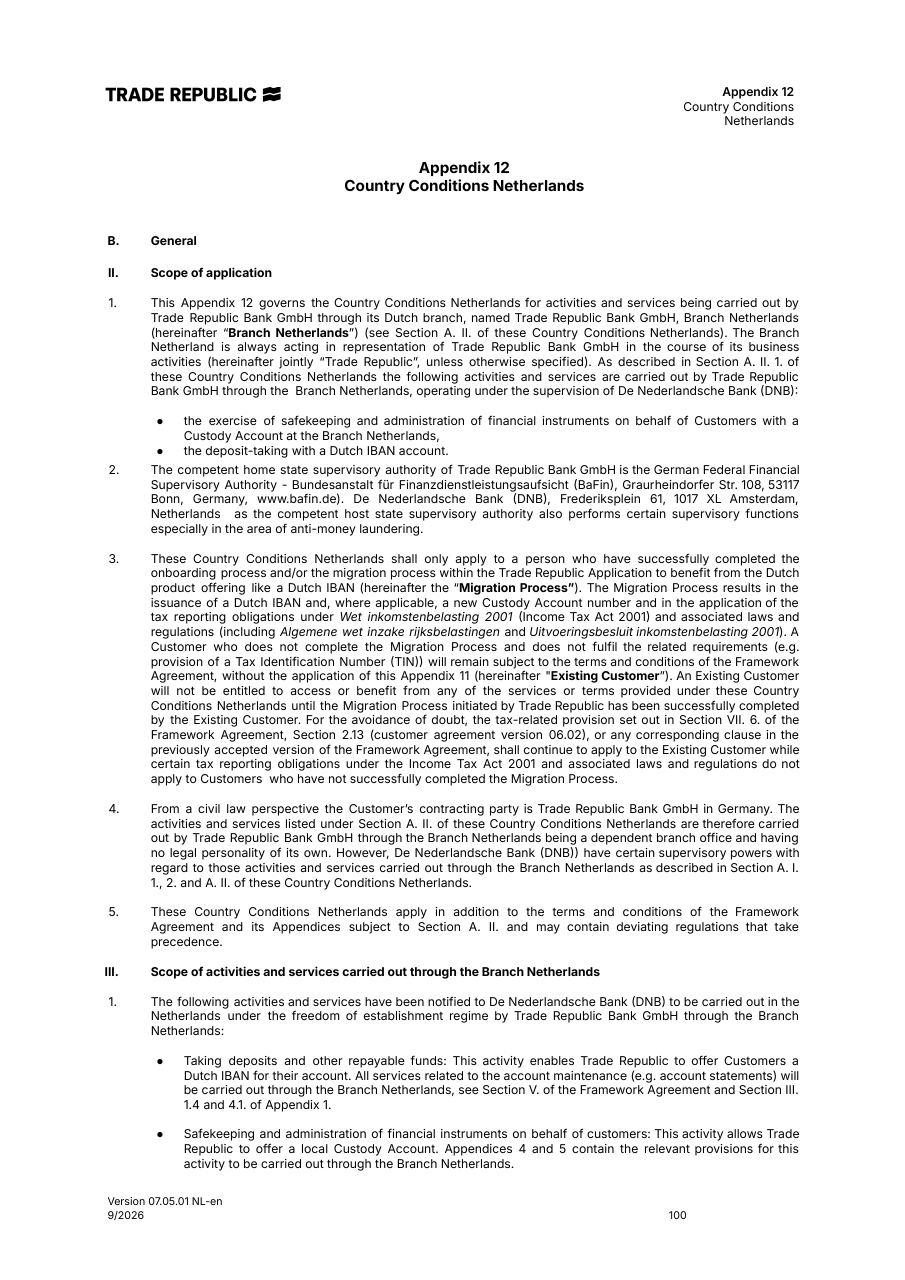
Trade Republic's Dutch execution help describes share and ETF orders and its execution route, and the provider says orders can be placed in its app or web interface. This can fit someone who wants a phone-led, relatively simple recurring ETF routine. It is less suitable when a reader wants multiple exchange-routing choices or assumes a plan purchase and a one-off limit order have the same tariff. The Dutch price page distinguishes plan execution from one-off order settlement. Fund costs and the traded spread remain relevant. Check the exact ETF and order route shown in the app, and retrieve the execution document rather than treating a push notification as the final record. The ETF broker comparison places the account terms in context.
Lightyear: ETF detail screens and investment plans
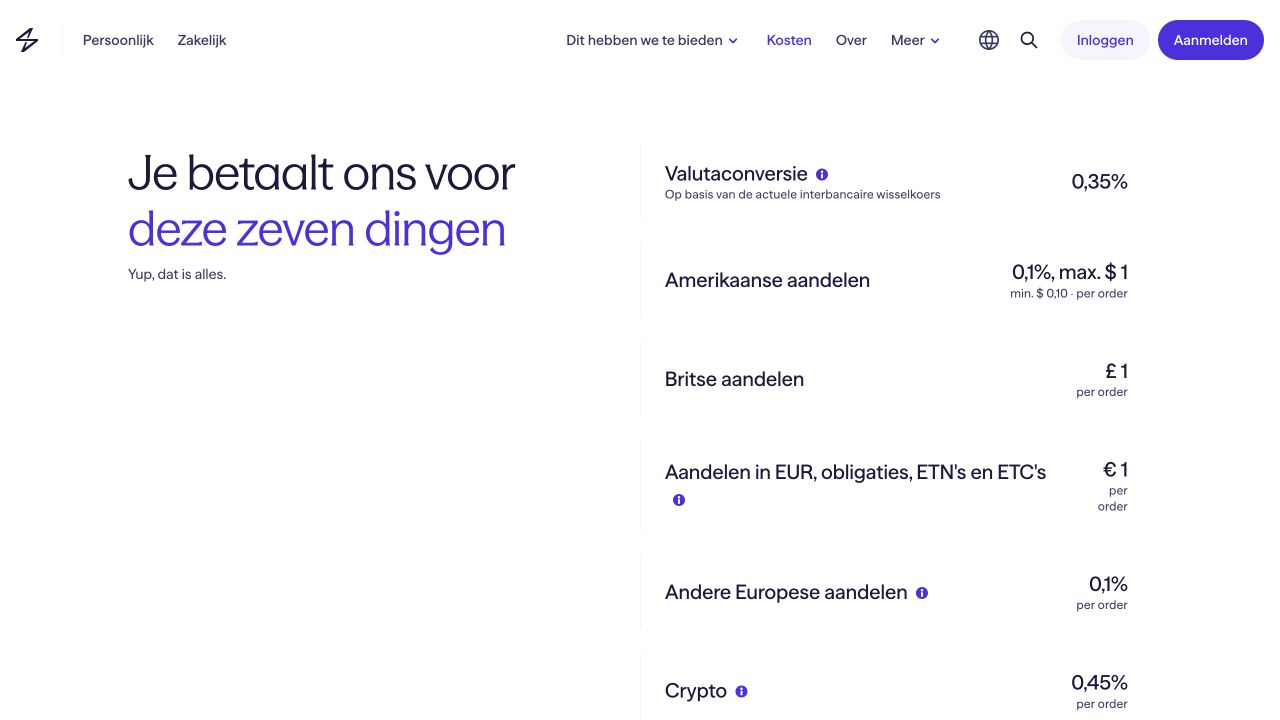
Lightyear documents iOS/Android and web access, with some functions varying between them. Its ETF help points to the fund information and KID, a useful step when a short search result hides share-class differences. Its plans guide describes recurring purchases for eligible instruments. Lightyear fits a reader willing to verify ISIN and currency before making a regular ETF purchase. It is less suitable if the exact desired venue, order type or whole-share transfer route is essential but not available in the chosen instrument. Its Dutch fee help separates ETF dealing from currency conversion and other costs. See our Lightyear review.
Trading 212 Invest: explicit app cost preview and records
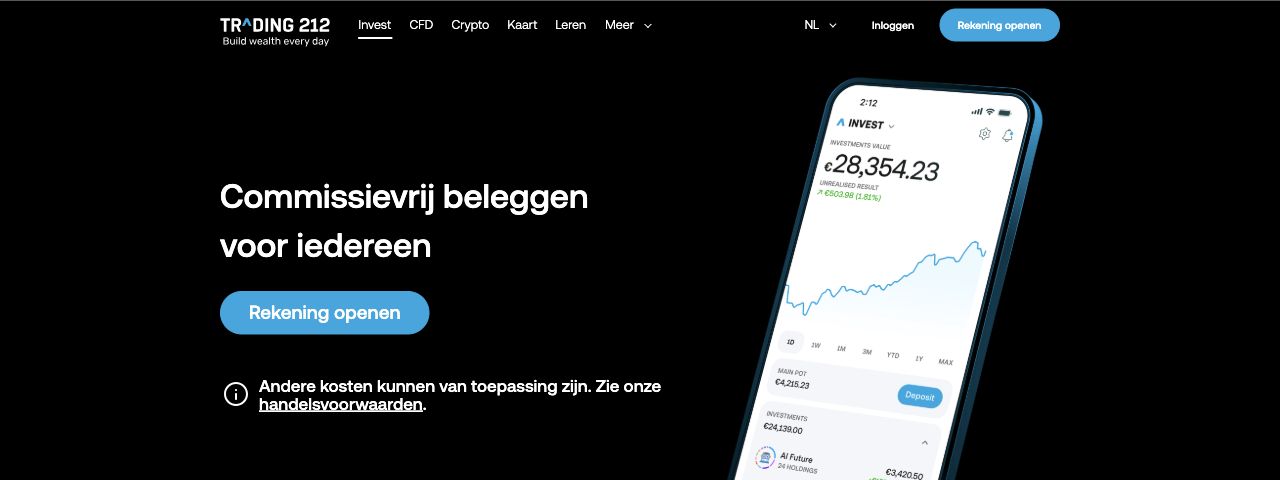
The Netherlands route is Trading 212 EU GmbH according to its country assignment. In Invest, the pre-order app breakdown helps a user read an estimated cost before submitting. The provider also documents activity, monthly and trade confirmation documents from the phone. This can fit a reader who wants a visible order-cost step and a documented records path. It fits less well if the user ignores the account selector: Trading 212's Invest product is not the same as its CFD product, even if both appear in the app family. FX can matter for a non-euro line, and funding method can add a cost. Our Trading 212 review separates those routes.
SaxoInvestor: mobile listed-product account with portfolio history
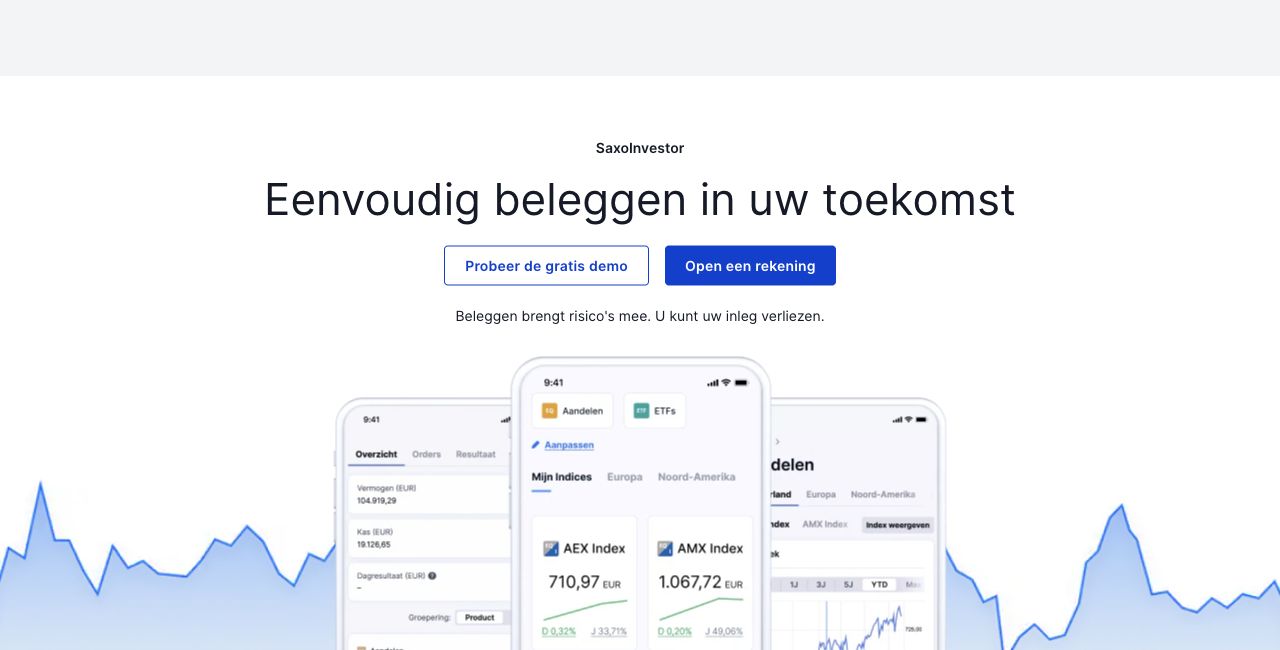
The Dutch SaxoInvestor page says orders, portfolio management and historical transactions are available from smartphone or tablet as well as computer. It names shares, ETFs, funds, bonds, options and futures. Those are not all equally suitable for a first ETF purchase. SaxoInvestor fits someone who wants a mobile investment view connected to a broader Dutch branch account. It is less suitable when the reader assumes its simpler mobile presentation includes all of the advanced chart and order controls of SaxoTrader. Check the specific exchange, account tier and the market-data entitlement if a live quote matters. Our Saxo review handles the wider account and costs.
DEGIRO: listed-security orders and downloadable reports
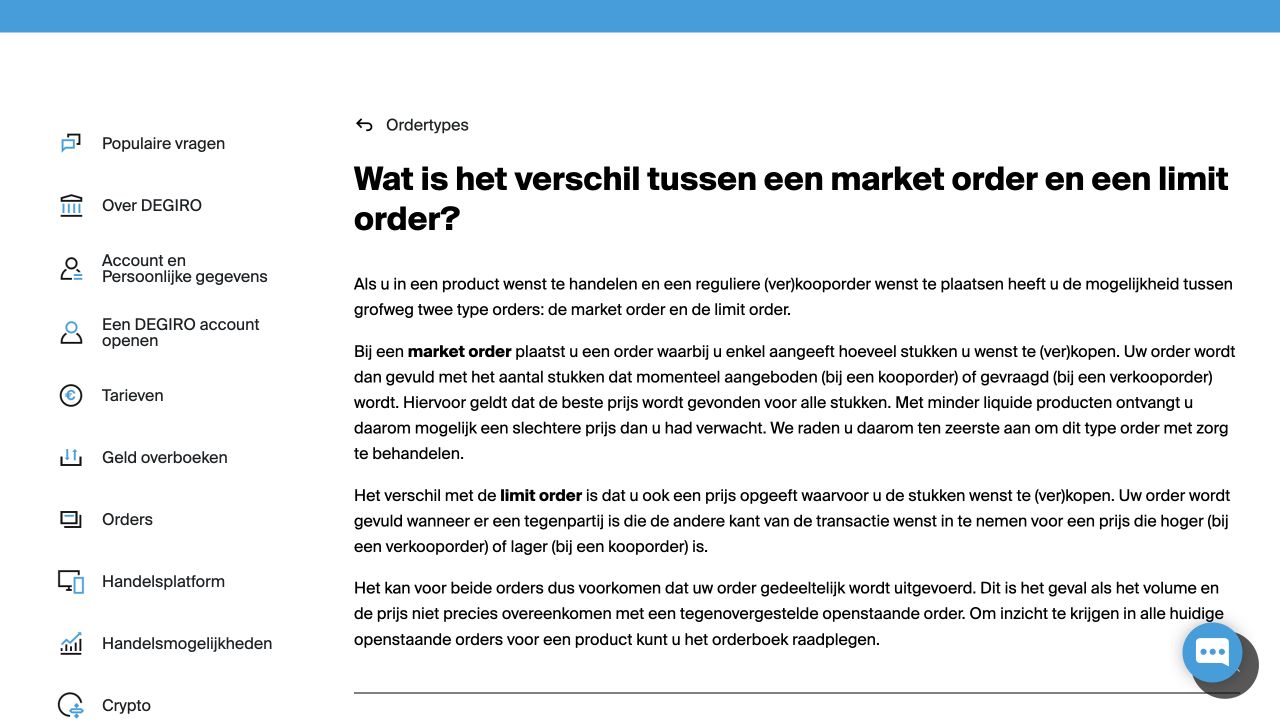
DEGIRO's Dutch app help describes stock, ETF, bond and option orders, portfolio viewing and market, limit and stop order routes. The reporting help says PDF, CSV and Excel records can be downloaded through the app. It fits a reader who wants listed securities and recognizes the selected exchange on the order ticket. It fits less well if a buyer treats the last displayed free quote as live: DEGIRO says some free displayed prices are delayed. The relevant exchange line and tariff also matter to an ETF comparison. See our DEGIRO review.
Scalable Capital: phone and web access with a digital mailbox
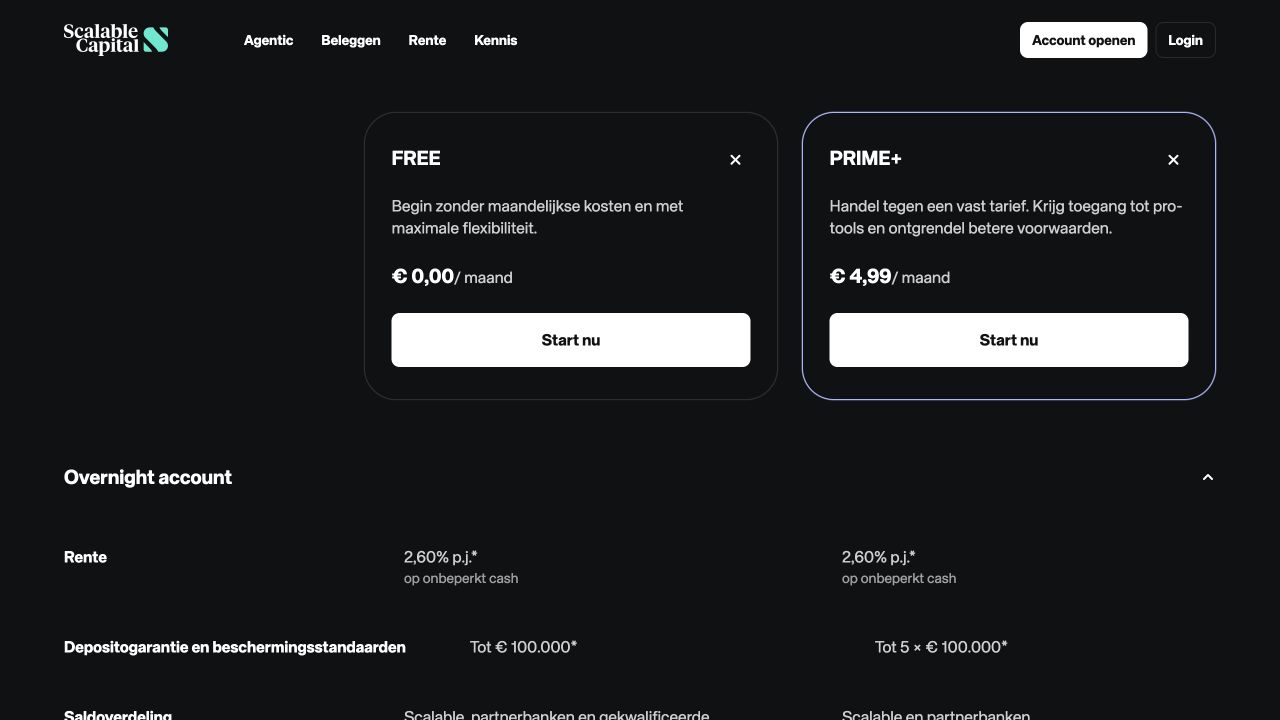
Scalable's Dutch accessibility document states that its broker is reachable by iPhone, Android and web. Its statement FAQ describes the digital Scalable Mailbox and an app or web path to request financial status. That gives a phone user a documented route beyond the order screen. It may fit regular ETF buyers who are prepared to compare one-off and savings-plan conditions. It is a weaker match if someone wants to infer today's fees from an old Baader-linked document: the current Dutch cost page and actual onboarding entity should govern the selected account. The ETF broker comparison examines recurring purchases across accounts.
IBKR GlobalTrader: mobile access to a large market catalogue
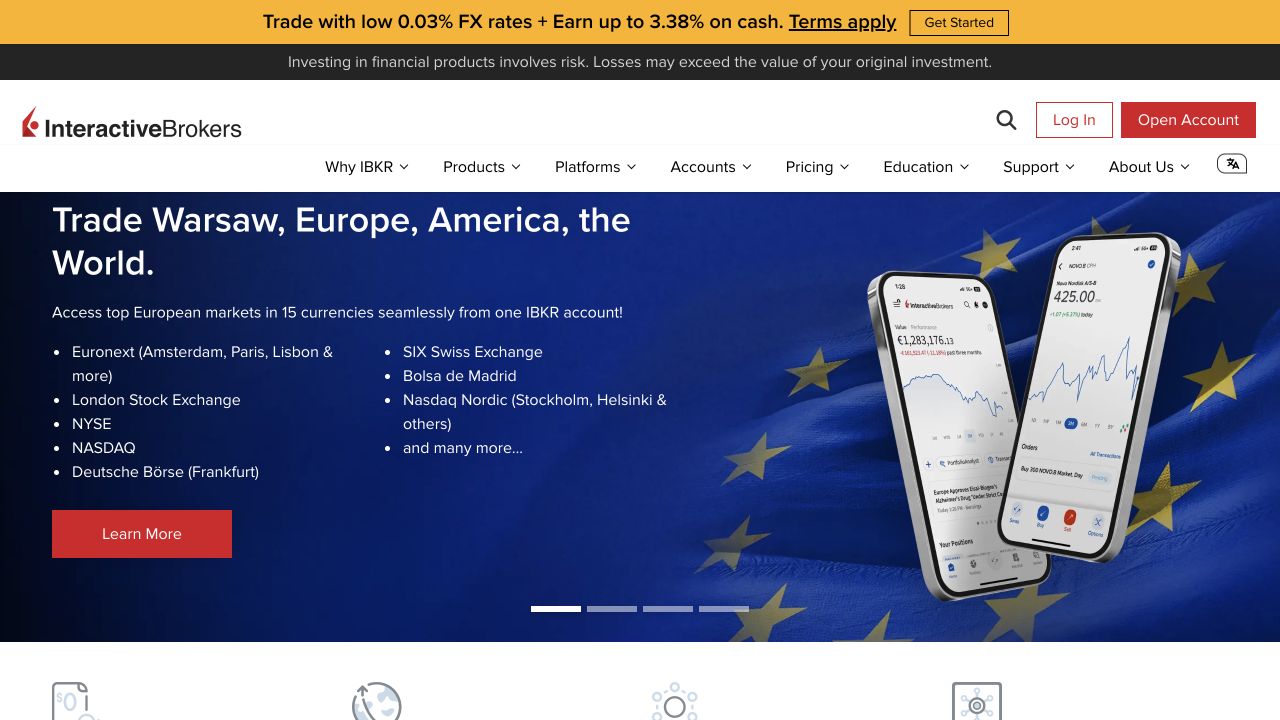
Interactive Brokers Ireland's GlobalTrader description presents a mobile share/ETF route, while GlobalAnalyst describes mobile discovery across markets. This can fit a resident who wants access beyond one domestic trading line and is willing to check market permissions, currency and the exact order tariff. It is less suitable for someone who expects every instrument found in a broad global search to be purchasable in the Dutch retail account. It is also distinct from the more complex desktop Trader Workstation. An order in a non-euro currency adds an FX question. Market-data subscriptions and permission settings can matter even when the app itself is available. See our Interactive Brokers review.
BUX: app-led plans for a selected range
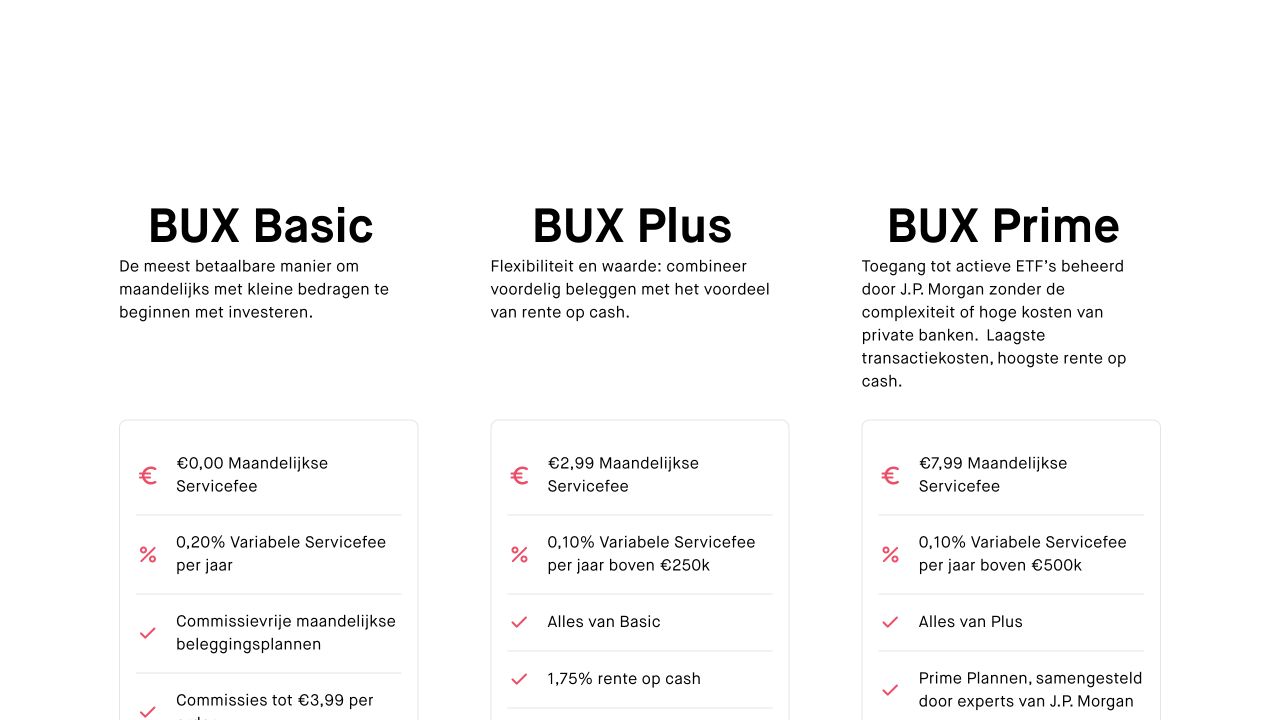
BUX's Dutch investment-plan page describes recurring selected stock and ETF purchases in its app. This can fit a reader whose intended fund is actually in that plan catalogue and who values a simple recurring path. It is less suitable if the specific ISIN, exchange or order type is absent. The Dutch pricing page distinguishes plan buying from other orders and sets out Basic, Plus and Prime service terms. A no-order-fee plan should therefore not be read as a zero-total-cost account. Check the plan's instrument list and whether the transaction creates whole or fractional units. The starting guide explains when recurring orders fit a savings plan.
The current Dutch pricing page also lists a 0.20% annual variable service fee on Basic, a €2.99 monthly service fee on Plus and a €7.99 monthly service fee on Prime, with additional tier conditions. Those service charges need to be included when modelling an annual holding and order pattern.
Revolut investing: a broker workflow inside a banking app
Revolut's Dutch ETP-plan help gives a mobile ISIN search and plan eligibility check. Its order help describes the review step and location of pending and completed orders. Its document help lists account and cost reports. It can suit an existing Revolut user who wants an occasional investment within a familiar app. It is a weaker match for someone who needs a dedicated multi-market broker screen or assumes every ETF is eligible for the selected-ETP plan's commission treatment. The EEA investment service is provided by Revolut Securities Europe UAB. Distinguish it from the bank account. FX and fund charges can still matter. The ETF broker comparison examines recurring-account conditions.
eToro: mobile discovery where instrument type needs special attention
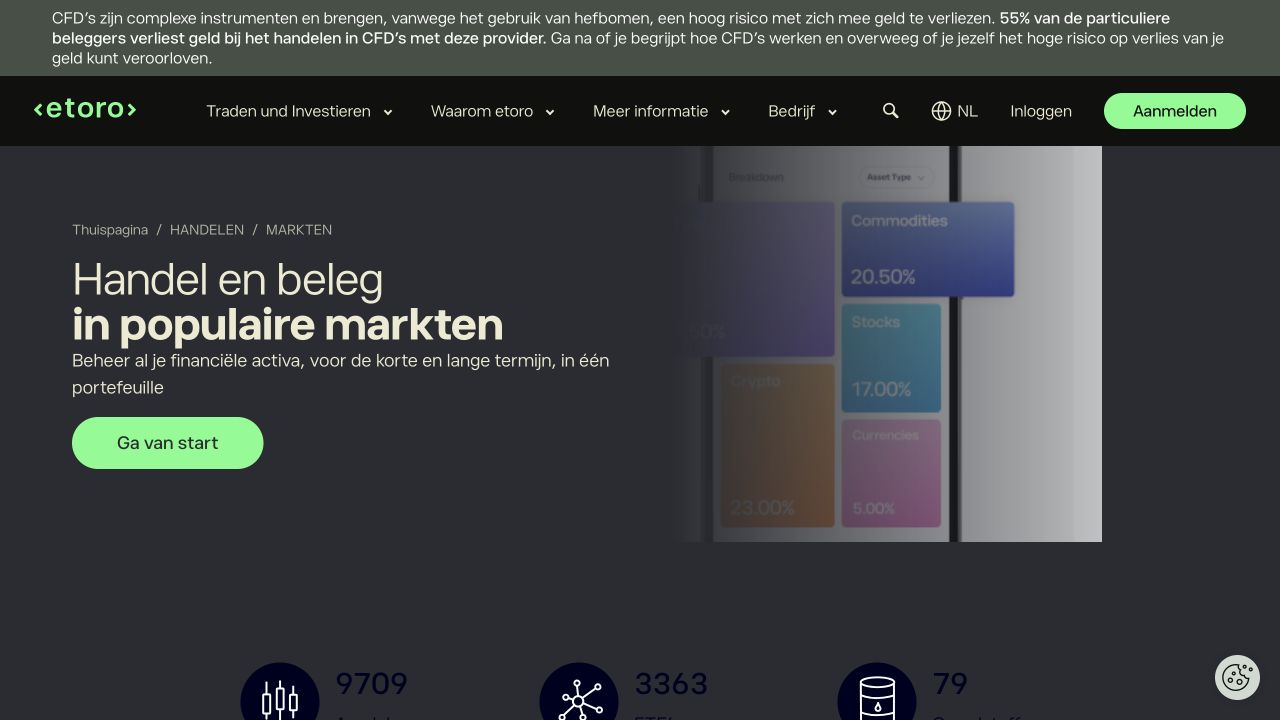
eToro's Dutch app announcement describes iOS/Android watchlist, portfolio, asset-page and chart changes during a phased rollout. A reader may therefore see a different app version from a public illustration. Its Dutch ETF discovery page shows a mobile-search route, but the Dutch product and fee explanation says some ETF buy positions and leveraged or short orders are CFDs. This can fit someone who uses watchlists and deliberately checks the order classification. It fits less well for a reader whose non-negotiable aim is a straightforward underlying ETF holding and who does not want to inspect that classification each time. A visually similar buy button is not evidence of the same legal product. See our eToro review.
Phone order and cost worksheet
Suppose you intend to put €500 each month into a euro-traded UCITS ETF. Use that amount as a comparison worksheet, not as an assumption that every app offers fractional units or the selected ETF. First write down the ISIN and share class. Find its trading line and currency in each app. Then record whether you are making twelve manual orders or using a recurring plan. A provider can price those routes differently. Compare the explicit broker order fee, any plan or account service charge, the bid/ask spread on the trading line, and the fund's ongoing charge from its issuer document. For a non-euro line, add the provider's currency-conversion method and rate. If the app funds orders from a card or external transfer, check that path too. The AFM's investment-cost explanation separates transaction, service and product costs. One advertised zero cannot settle the entire comparison.
For example, the Trade Republic price page separates a one-off order from a savings plan, and the BUX fee schedule separates plan execution from account service. Lightyear's fee help identifies currency conversion as a separate question. Revolut's plan help limits the advertised commission treatment to selected ETPs. We do not turn these distinct conditions into a single universal cheapest-app number. A reader can fill the worksheet only after checking the actual instrument and account route. Our starting guide explains how to choose an investment aim before choosing an order type.
Security, records and feature gaps
App access depends on more than a lock-screen icon. Before funding, inspect the provider's supported login and second-factor method, how a lost phone is recovered, whether a new device triggers verification, and how to contact the firm if an order seems wrong. Do not assume that biometric login alone protects the underlying brokerage account. The AFM investment-firm register helps identify a regulated firm, but the specific legal entity on the agreement remains essential. The broker-safety guide sets out an entity and account check.
Keep a second access route in mind. Lightyear explicitly says web access does not include every mobile function. SaxoInvestor is offered on computer as well as phone, but its broader SaxoTrader tool set is a different workspace. Scalable makes statements available through its digital mailbox, while DEGIRO, Trading 212 and Revolut document app report paths. If the provider's help does not clearly establish a required function for your chosen account, mark it as unconfirmed and check support or an accessible demo before you rely on it. For uptime, latency, biometric reliability and support response, seek current independent measurements and the provider’s terms.
Frequently asked questions
Can I finish an ETF purchase entirely on a phone?
Several providers document search, order and record steps in their apps, but the answer depends on the exact ETF, account and order. Trading 212 documents both pre-order cost preview and downloadable statements. Revolut describes ISIN search for eligible ETP plans, order review and documents. DEGIRO documents order placement and report download. Verify your intended security and venue in the actual app. A public feature page cannot prove that every account or order type has identical phone support.
Is a stock or ETF in an app always an owned holding?
No. Trading 212 separates Invest and CFD products, and eToro says some ETF positions are executed as CFDs. A CFD tracks a price under a contract rather than giving the same security holding. Read the product label, account and order confirmation, particularly where a provider offers both routes. Our CFD comparison examines the separate derivative question.
Does an app with zero ETF commission have no investment cost?
No. The fund's ongoing charge and market spread remain, and an app may add account service, FX conversion, funding or an order fee outside a special plan. Check the exact instrument and route rather than copying one headline. The AFM identifies these categories in its cost guide.
Which app should a first-time investor start with?
Choose the one whose actual order screen lets you identify the instrument, read the costs, understand the order and retrieve a record without guesswork. For a simple recurring ETF task, Trade Republic, Lightyear, Trading 212 Invest or BUX may be worth checking against the exact ISIN and plan conditions. For broader markets, SaxoInvestor or IBKR GlobalTrader may suit a reader willing to handle more account settings. The beginner-platform comparison applies a more specific first-order comprehension test. None of these names is a universal recommendation.


 Lightyear
 Trading 212 Invest
 SaxoInvestor
 IBKR GlobalTrader
 eToro